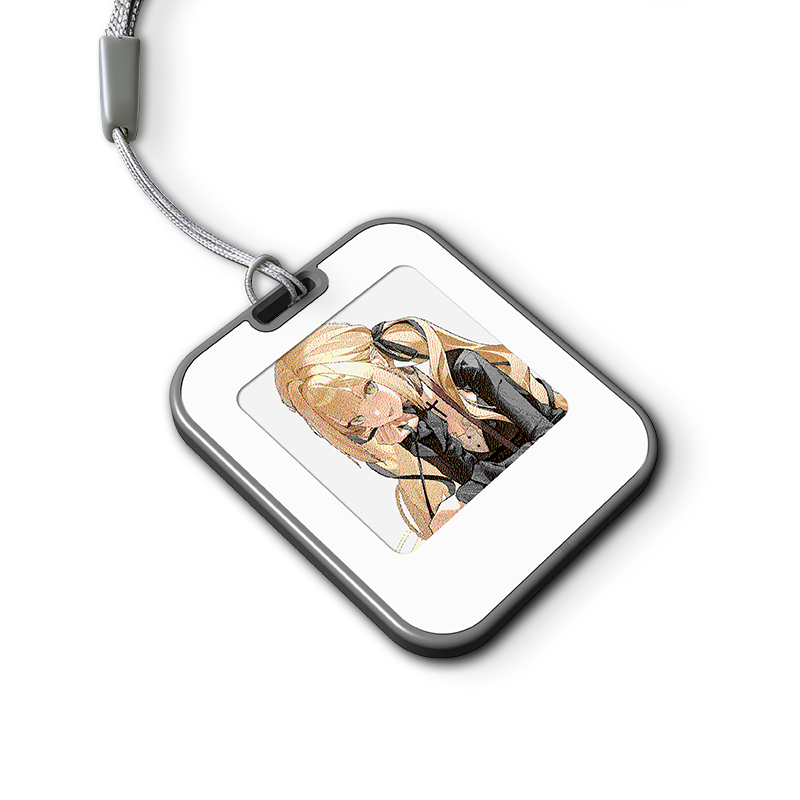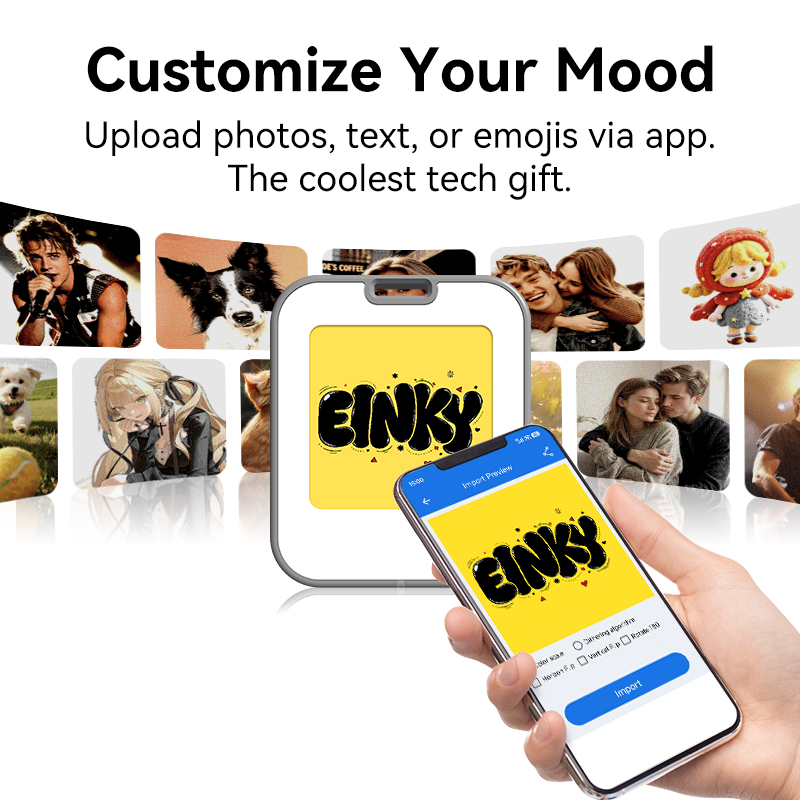



e ink keychain explained often starts with a simple question: why does a tiny keychain behave like a digital screen, yet it doesn’t need a battery in the way we expect?
For first-time users, it usually feels a bit confusing. You tap your phone, the image suddenly changes, and then it just stays there—no charging, no power drain, no background connection.
That’s where it gets interesting. This isn’t just a novelty gadget. It’s a combination of NFC communication + electronic paper display technology, designed for very practical use cases like gifting, branding, and personal customization.
📱 What Is an NFC E Ink Keychain, Really?
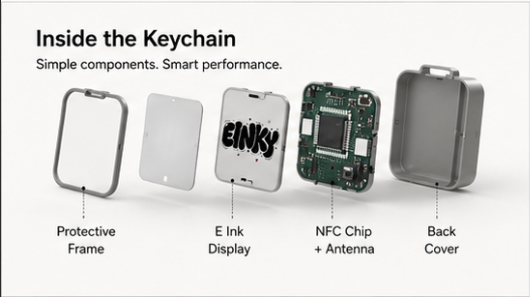
At its core, an NFC E Ink keychain is a small electronic paper display embedded into a portable accessory.
The basic interaction is simple:
Phone tap → image updates → image stays visible without power
This is the part that surprises most people.
Because the usual expectation is:
- Bluetooth pairing
- Charging cable
- App running in the background
But none of that is required in the same way.
Instead, it relies on:
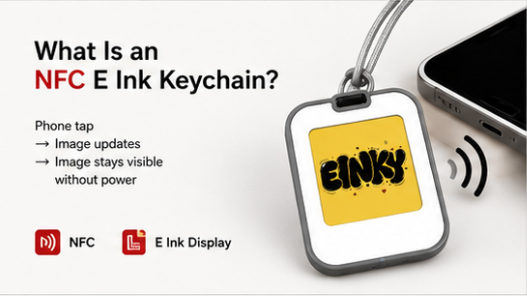
- NFC (Near Field Communication) for data transfer and energy delivery during updates
- E Ink display for maintaining the image without continuous power
Once the image is written, it remains visible without consuming energy. That’s why e ink keychain explained often begins with confusion rather than clarity—it behaves differently from anything people associate with “screens.”
⚙️ How NFC + E Ink Actually Work Together
To understand it better, it helps to look at the process step by step.
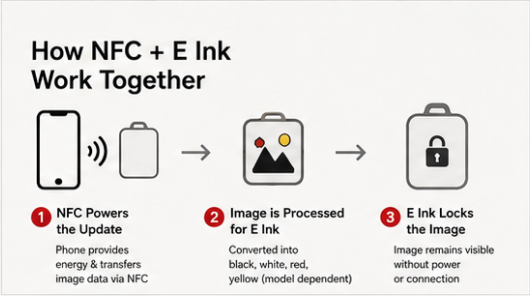
📡 Step 1: Phone becomes the temporary power source
When the phone is placed close to the keychain, NFC creates a short-range electromagnetic field.
This field:
- transfers the image data
- provides just enough energy to refresh the display
There is no actively powered battery doing the work during this update phase.
🖼️ Step 2: Image is converted into e-paper format
Before the image is displayed, the app processes it into a format the screen can understand.
At this stage, users often notice something important:
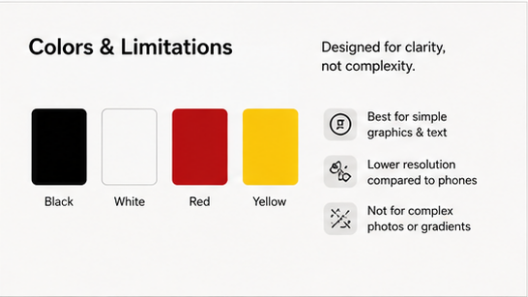
- colors are limited (typically black, white, red, yellow depending on model)
- resolution is optimized for clarity, not smartphone-level detail
- simple graphics perform better than complex photos
This is not a limitation of “quality” in the traditional sense—it’s a design choice aligned with e-paper behavior.
🧠 Step 3: E Ink locks the image in place
Once updated, the display becomes stable.
Even if:
- the phone is removed
- NFC is no longer active
- no power source is present
The image remains unchanged.
This is due to bistability, a core concept in e ink keychain explained discussions. It simply means the display does not need power to hold an image—only to change it.
📲 Why It Feels Different From Normal Screens
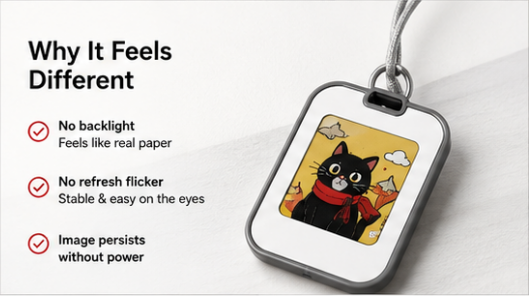
Compared to phones or LCD displays, the experience feels almost counterintuitive at first:
- No backlight → more like real paper
- No refresh flicker → visually stable image
- Image persists without power → no “on/off” behavior
This is where e ink keychain explained becomes less about technical specs and more about real-world interaction. It behaves like a physical object that stores a visual state, not a constantly running screen.
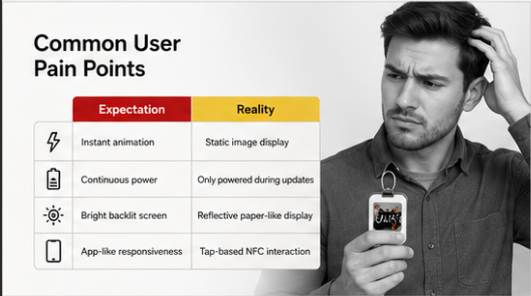
😕 Common User Pain Points (Before Understanding It)
Most confusion comes from expectations shaped by smartphones.
| Expectation | Reality |
|---|---|
| Instant animation | Static image display |
| Continuous power | Only powered during updates |
| Bright backlit screen | Reflective paper-like display |
| App-like responsiveness | Tap-based NFC interaction |
Once users adjust these expectations, the experience becomes much more intuitive and practical.
🧪 Where It Actually Works Well in Real Life
An customizable display keychain is not designed to replace a screen. Its value is in specific, low-interaction scenarios.
Common use cases include:
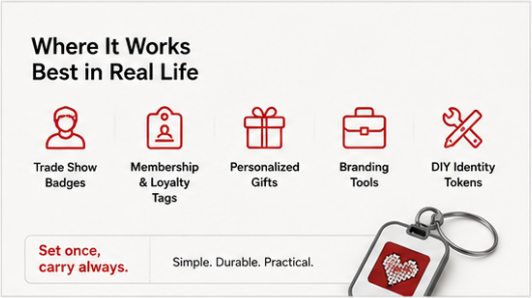
- Trade show badges that update per event
- Membership or loyalty identification tags
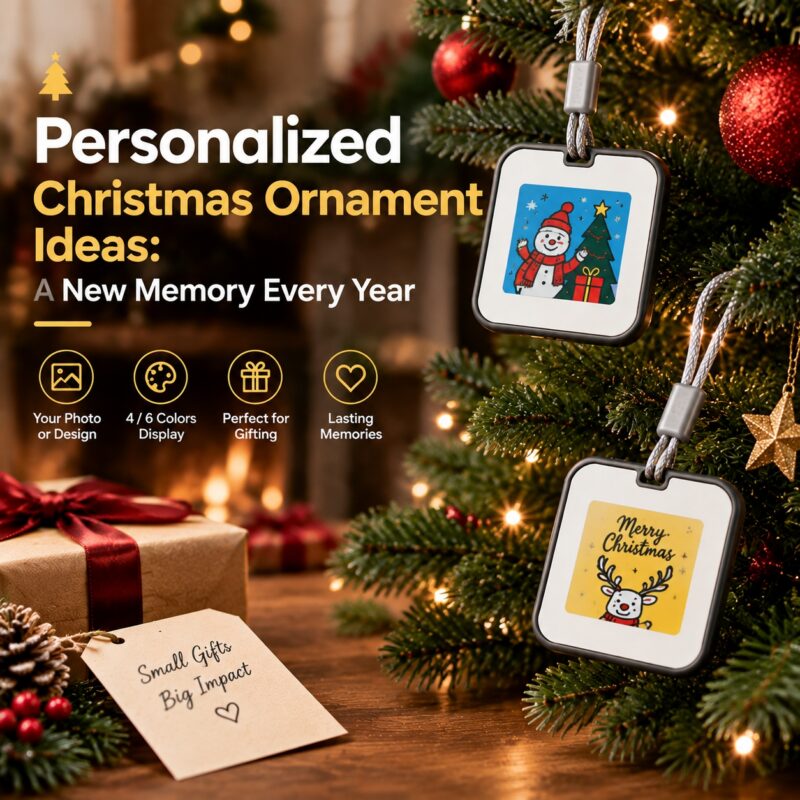
- Personalized gifts with photos or names
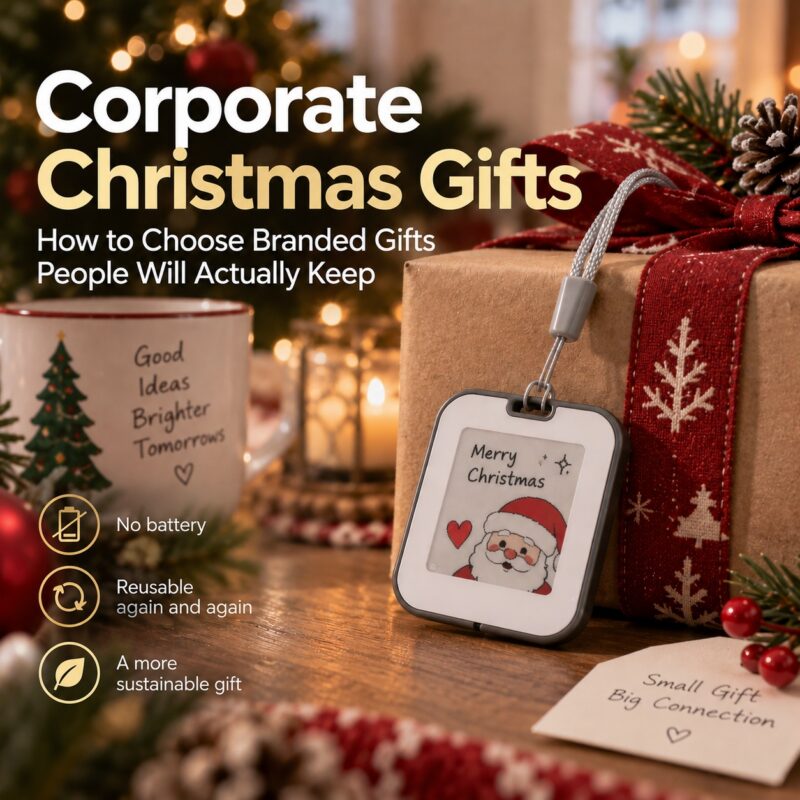
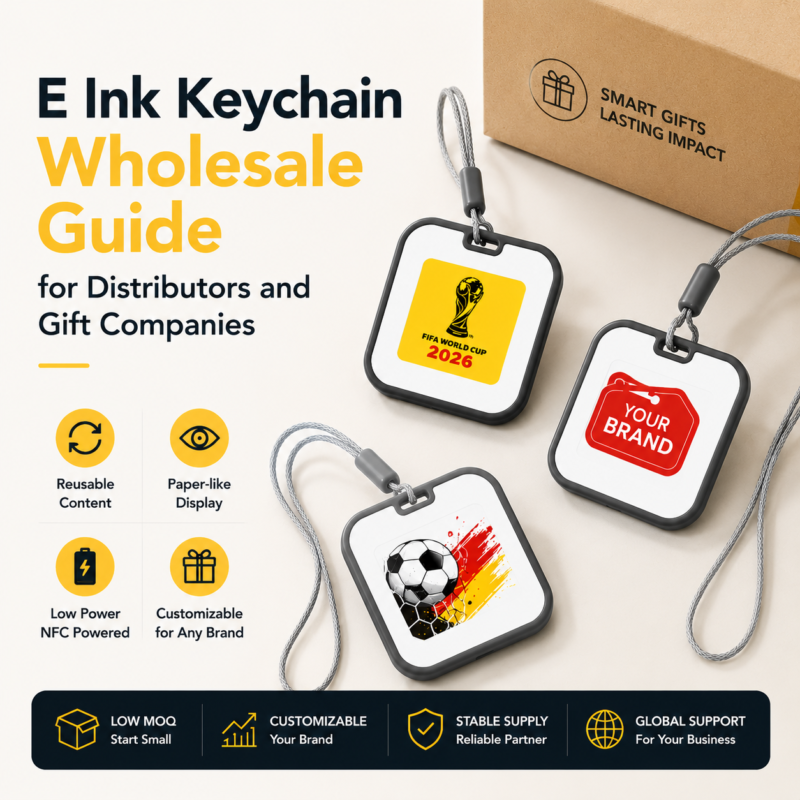
- Branding tools for companies
- DIY identity tokens (e ink keychain diy setups)
In practice, users often prefer the “set once, carry always” behavior more than they initially expect. It removes friction rather than adding interaction.
🤔Buying Considerations for E Ink Keychain
- Samples are available for testing and evaluation
- The minimum order quantity (MOQ) is 5 pieces
- Lead time:within 5 working days for in-stock product
- Custom logo is supported
- Custom packaging are available
- Additional customization: housing, product size, solution, etc.,
⭐ Why Choose Hipoink?
- Consistent manufacturing quality with scalable production capacity
- Strong experience in display industry applications across multiple product categories
- Stable supply chain suitable for both small batch and mass production needs
- Full OEM and customization support from concept to finished product
- Proven international cooperation experience across retail, industrial, and consumer sectors
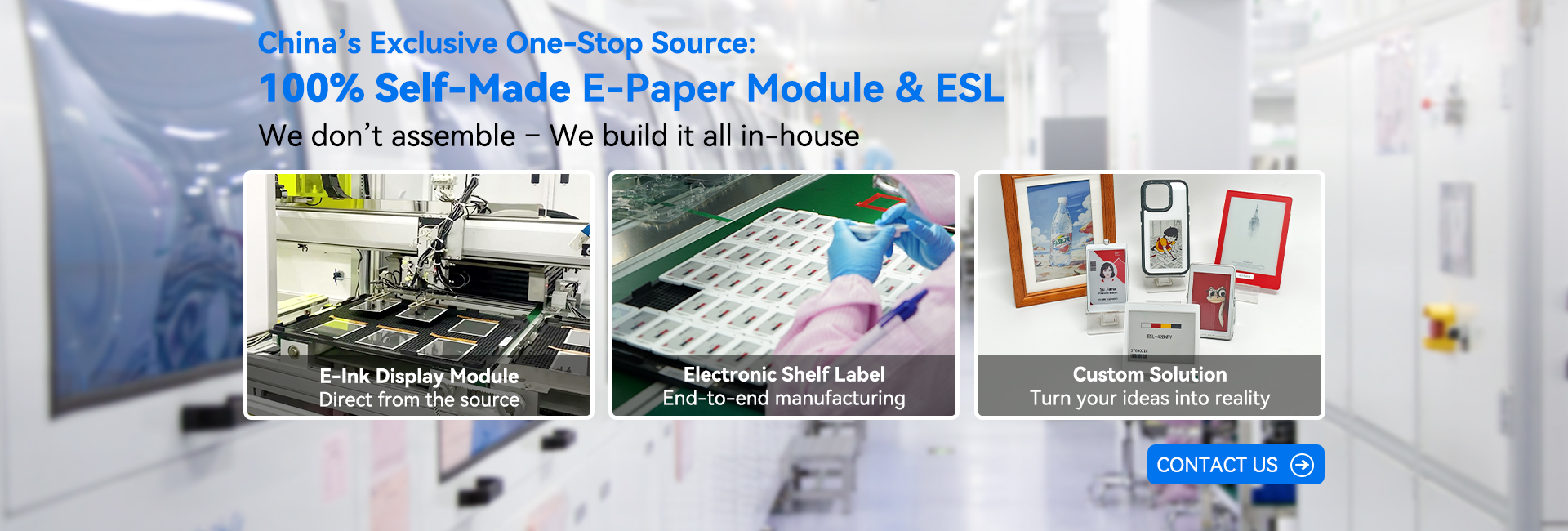
Backed by 30+ years of display industry experience, Hipoink operates headquarters in Dongguan with branches in Shenzhen and Jiaxing, and two manufacturing bases in Dongguan and Jiaxing featuring dust-free cleanrooms. With 8 production lines (5 highly automated), we ensure stable supply and scalable production capacity. Our global partnerships include Starbucks, Samsung, ABB, Michelin, Johnson & Johnson, Volkswagen, Schneider Electric, ZEISS and more, reflecting proven trust from leading international brands. We provide a full one-stop service from modules to finished products, supporting multiple product solutions and full OEM customization for global clients.
If you are exploring scalable NFC E Ink solutions or planning a customizable e ink keychain project, feel free to contact us for technical support or sampling.
Email: hipoink@greendisplay.cn
❓ FAQ
1. Do E Ink Keychains require batteries?
No. The display only consumes power when updating the image.
2. Can I change the content many times?
Yes. It supports unlimited rewrites through the app.
3. Does it require internet connection?
Only the phone needs internet for app usage. The device itself does not.
4. What file types can I display?
Images, logos, text, and simple graphics depending on app support.
5. Is it suitable for mass promotional campaigns?
Yes, especially for brands that run multiple seasonal or regional campaigns.
6. Can Hipoink provide custom solutions?
Yes. We support customization including product appearance, branding, packaging, and project-specific requirements.